When you launch cocoaNEC, you will be presented with only the Menu Bar. To create a new antenna model using the programming interface, pull down the File Menu and select New NC Model.
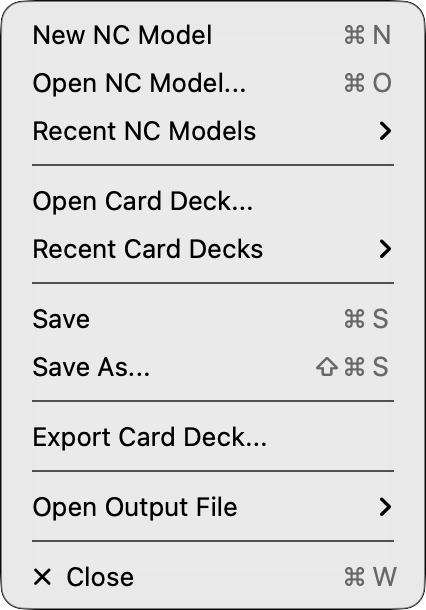
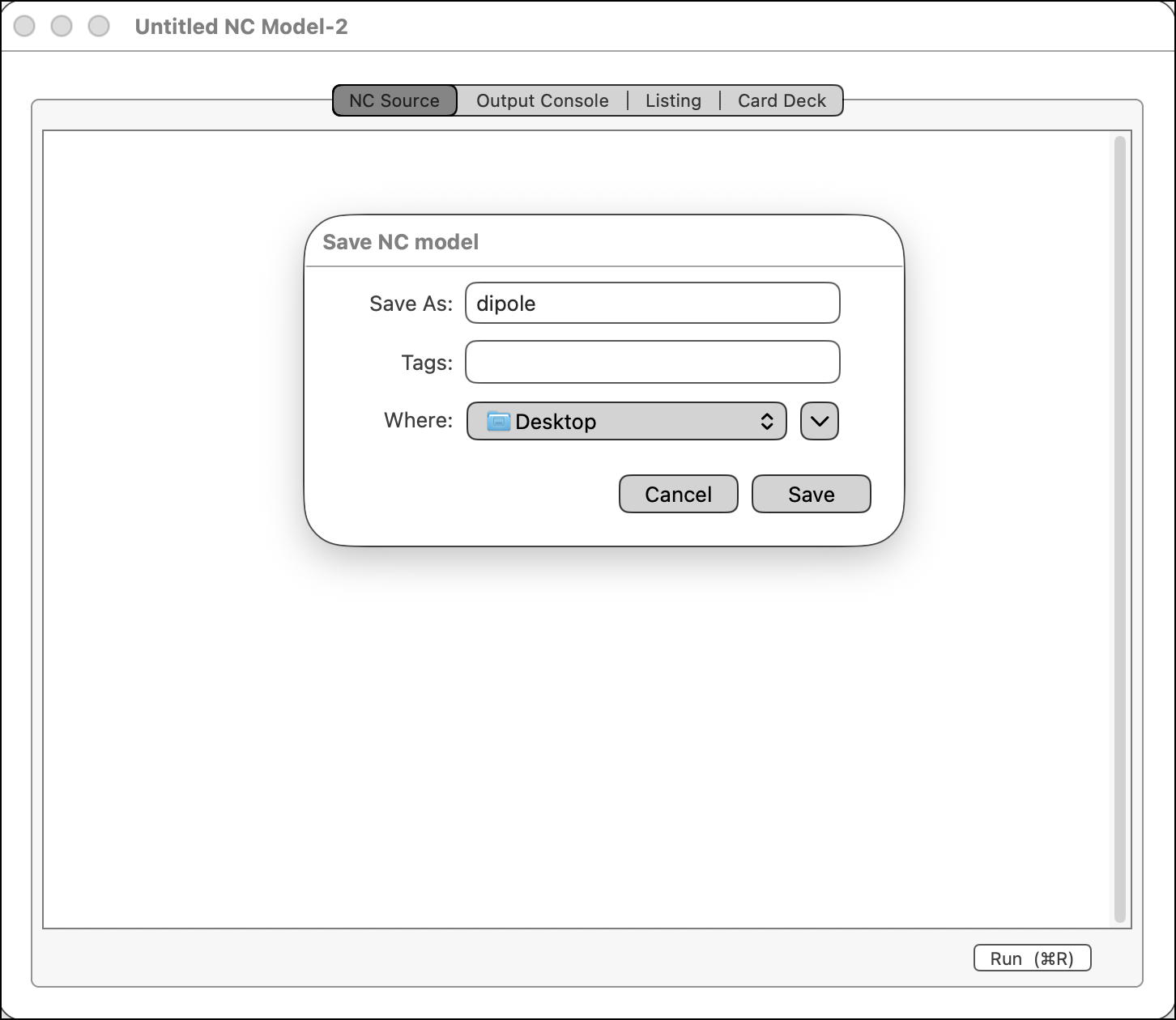
Name your antenna model by selecting Save As...(command-shift-S) item in the File Menu. When the Save NC model dialog window appears, enter "dipole" into the Save As field, and choose the Desktop as the location for the file, as seen below.
At a future date, if you want to use the same antenna model, select Open NC Model... in the File Menu and direct the open file dialog to this model file. If the model was used in the recent past, you might also find a convenient link to it in the submenu of Recent NC Models in the File Menu.
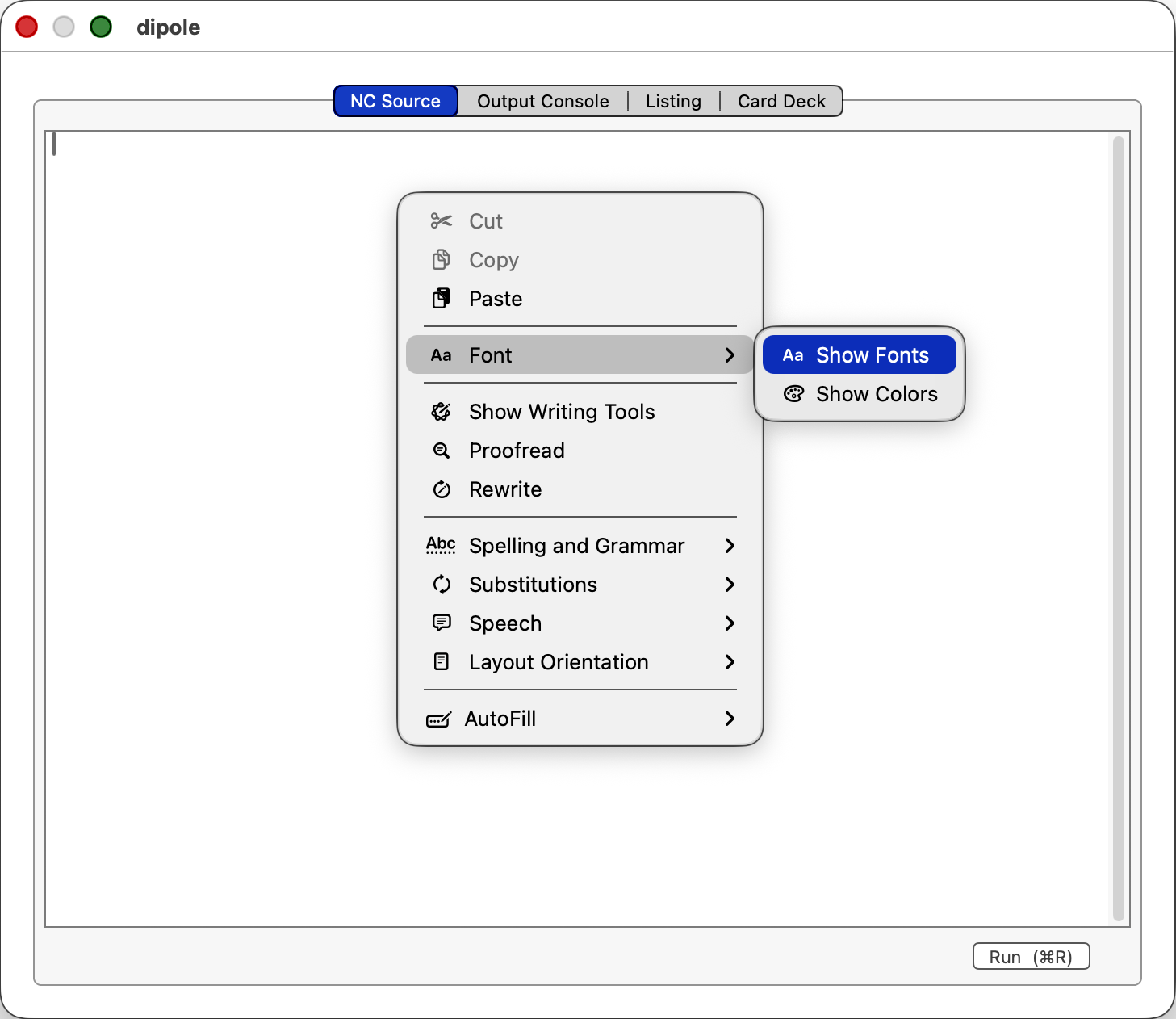
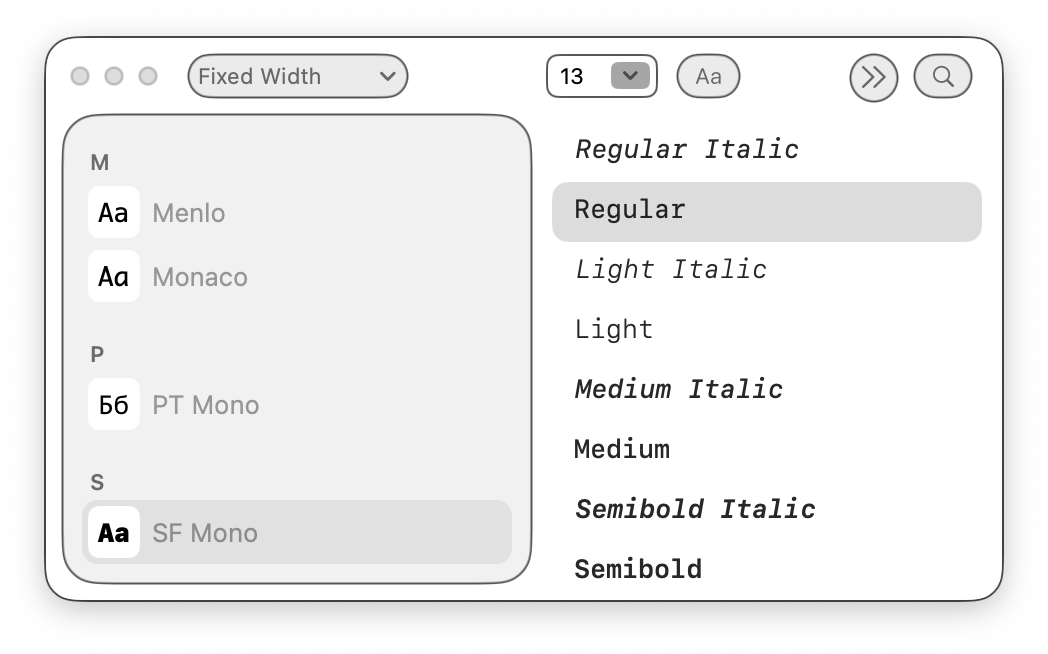
The scroll view in the NC Source tab view of the NC window is a selectable and editable text view where you enter the NC program. You can copy from and paste into this view. You can change the font for all of the text in the view using right-click in the view to open the context menu, then selecting Font > Show Fonts to open the Font Chooser.
Next: Writing an NC Program...